Pre-Made Gallery Wall Layouts: Where to Find Them (and How to Plan Your Own)
Where to buy a pre-made gallery wall set, what actually arrives in the box, and how to plan either a set or your own frames against your real wall before you drill.
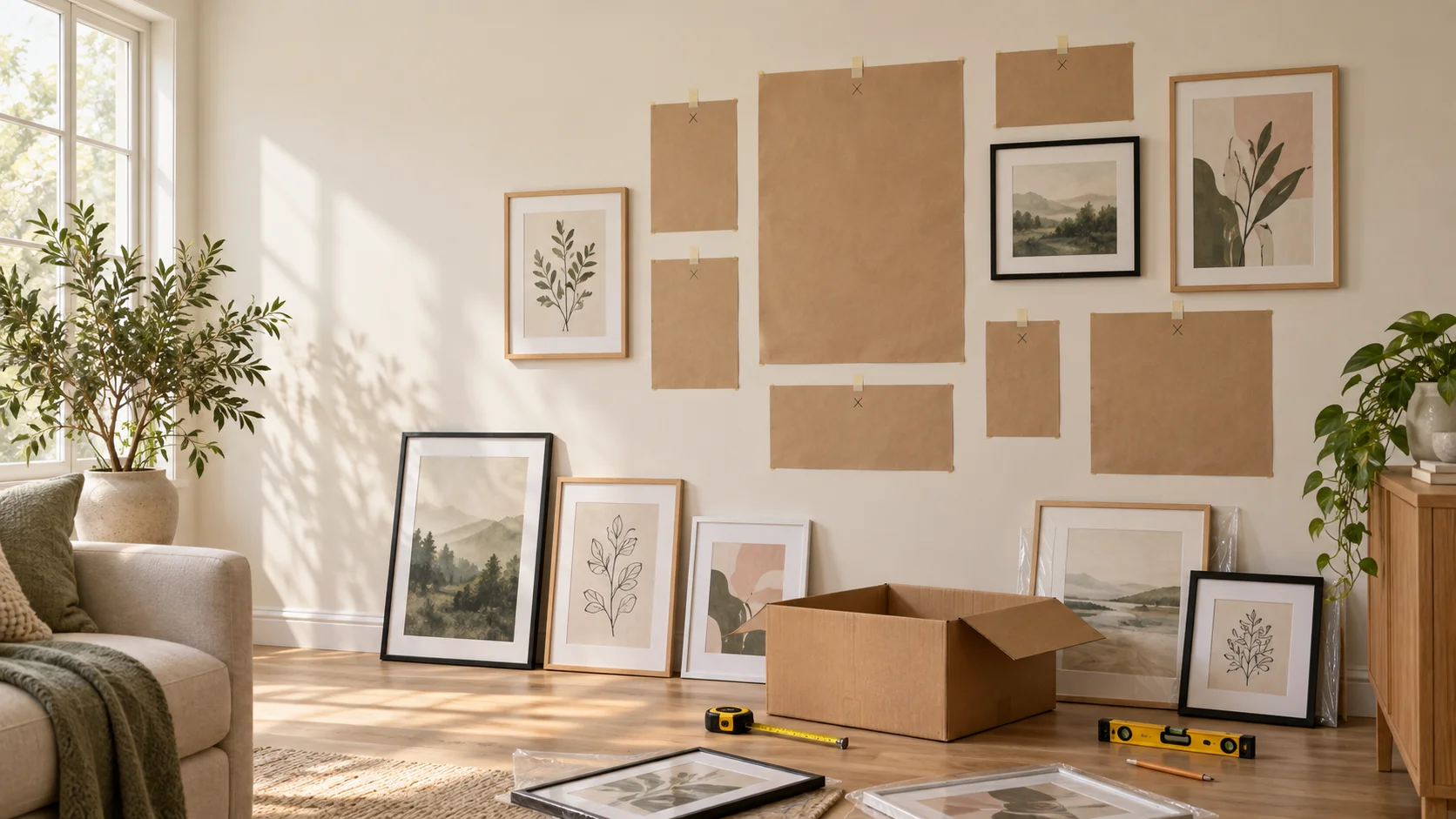
The hardest part of a gallery wall usually isn’t the hanging. It’s the deciding: how many frames, which sizes, and how they fit together without looking random. A pre-made gallery wall set skips most of that. Someone has already picked sizes that work together, spaced them out, and usually included a template so you know where the nails go.
That’s a great deal if the set fits your wall. It’s less great if your sofa is wider than the layout, there’s an outlet in the way, or you already own half the frames you need. This guide covers where to find pre-made sets, what each kind actually sends you, and how to check any layout against your real wall before you commit.
🤝 No sponsorships here. We’re not affiliated with any of the shops below, and none of the links are affiliate links. Details reflect each shop’s gallery-wall pages as of September 2026, so check the listing before you order.
Two ways to get a gallery wall
Buy a matched set. You pick an arrangement from a shop, and the frames arrive sized to work together. Some shops print and frame your photos for you; others send empty frames with mats so you can add your own art. Most include a paper template or a reference image for hanging.
Build one from your own frames. You start from the frames and art you already have (or pick up piece by piece), then work out the arrangement yourself. It’s cheaper and more personal, but you’re the one doing the layout math.
Plenty of people land in between: a set for the core of the wall, plus a few frames they already own mixed in.
Where to find pre-made gallery wall sets
These shops sell gallery walls as a single product: a set arrangement, sized and spaced for you. They split roughly into two camps.
| Shop | You send them | What arrives |
|---|---|---|
| Framebridge | Your photos | Printed and framed set, life-size hanging guide |
| Level Frames | Your photos | Printed and framed set, hardware, wall bumpers, reference image |
| Frameology | Your photos | Printed and framed set |
| Haus & Hues | Your photos, or nothing | Printed and framed set, or frames alone |
| Americanflat | Nothing | Empty frames with mats and hanging hardware |
Photo-to-wall services
Framebridge organizes its gallery walls by where they go (bedroom, corner, hallway, nook, and stairs) and lets you filter by how many frames you want. You upload photos, they print and frame them, and each set comes with a life-size hanging guide. There’s a wide range of frame finishes and mat options if you want the set to match your room.
Level Frames keeps a short, curated list of layouts on the smaller side: duos, trios, grids, stacks, and organic clusters. You upload photos into each frame and can keep every frame matching or mix styles for a more eclectic look. Hanging hardware, wall bumpers, and a reference image come in the box, and they’ll help with a custom arrangement if none of the standard layouts fit your space.
Frameology leans toward structured shapes: diptychs, triptychs, stacks, grids, and staircase runs, from a pair of frames up to a dozen. You upload photos for each frame, and the sets come in two tiers of frame quality.
Haus & Hues works two ways. There are named sets with a fixed mix of sizes, plus simple “set of N” bundles where you pick the size of every frame yourself. Either way, you can upload images for them to print and frame, or buy the frames alone and add your own art later.
Empty frame sets
Americanflat sells gallery wall frame sets without art: frames with precision-cut mats and hanging hardware already installed, in trios, quads, mid-size walls, and larger statement sets. Finishes include black, white, oak, walnut, and gold, and some sets mix finishes on purpose. This is the route if you already have prints, or want to swap art in and out over time.
💡 Looking for a broader list? Our guide to where to buy frames covers individual frames at every budget, from IKEA to custom framers, if you’d rather assemble a set yourself.
What a pre-made set does well (and where it doesn’t)
A set is genuinely a good choice when you want the decisions made for you. The sizes are already coordinated, the finishes match, and the template takes a lot of the anxiety out of the first nail.
The limits show up at the wall:
- The layout is a fixed size. A set designed at 60 inches wide doesn’t shrink to fit a 48-inch console or stretch to fill a long hallway.
- Your wall has things on it. Light switches, thermostats, outlets, and window trim don’t appear on a template. You find them when you tape the paper up.
- The template shows placement, not proportion. It tells you where the nails go, but not whether the whole arrangement looks right above your sofa at your ceiling height.
- Mixing in your own frames is guesswork. Once you add a frame that wasn’t part of the set, the original spacing no longer applies.
None of these are reasons to skip a set. They’re reasons to check it against your wall first.
Plan it on your wall first
Whether you bought a set or you’re building your own, the step that saves the most regret is the same: see the arrangement on your actual wall, at real scale, before anything goes up.
If you’re buying a set
Most shop listings give each frame’s dimensions. Before you order:
- Measure your wall, plus the furniture below it and anything on it (outlets, switches, trim).
- In GalleryPlanner, set the wall size and add the set’s frames. The Bulk tab takes a pasted list, one frame per line:
8x10 8x10 11x14 16x20 - Arrange them to match the listing, or let Auto-Layout suggest arrangements for those exact sizes. (Bulk-added frames start in your inventory, so set Auto-Layout’s Included Frames to Placed + Staged + Inventory (All Frames on mobile), or drag them onto the wall first.)
- Check the overall width against your sofa or console, and slide the group until it clears anything on the wall. With Pro, you can add Wall Objects (a sofa, a TV, light switches, a window) so they show up on the plan instead of turning up under a nail.
If the set turns out too small for the wall, you’ll know to size up (or plan a couple of extra frames around it) before it ships, not after.
If you’re building your own
GalleryPlanner’s Starter Layouts cover the same classic shapes you’ll see in shop sets: grids, salon walls, stacks, over-the-sofa and above-bed arrangements, staircase runs, and more, over 100 in all. Each one is a starting point you can reshape.
- On desktop, open Frames → Add Frame → Layouts. On mobile, tap Library → Layouts.
- Filter by frame count, shape, or category to find a starting point.
- Apply it, then change any frame to match the sizes you actually own.
- Add your photos and let Smart Fill match each one to a frame.
For worked examples with real frame sizes, a shopping list, and install notes, browse our example layouts (over the sofa, above the bed, up the stairs, and more).
When the layout is final, GalleryPlanner Pro’s Hanging Guide exports a printable install plan with each frame’s exact position and its hang height (measured to the frame’s center) from the floor, so you can mark the wall with tape and a level.
Try a Starter Layout on your wall →
The bottom line
A pre-made gallery wall set trades flexibility for fewer decisions, and for a lot of people that’s exactly the right trade. Photo-to-wall services handle everything from printing to the hanging template; empty frame sets give you coordinated sizes and leave the art to you.
Either way, the layout only works if it fits your wall. Measure first, try the arrangement at real scale, and then order or drill.
Ready to Keep Planning?
Open GalleryPlanner and jump back into your current wall plan without forcing you into a specific tool first.
Launch GalleryPlanner