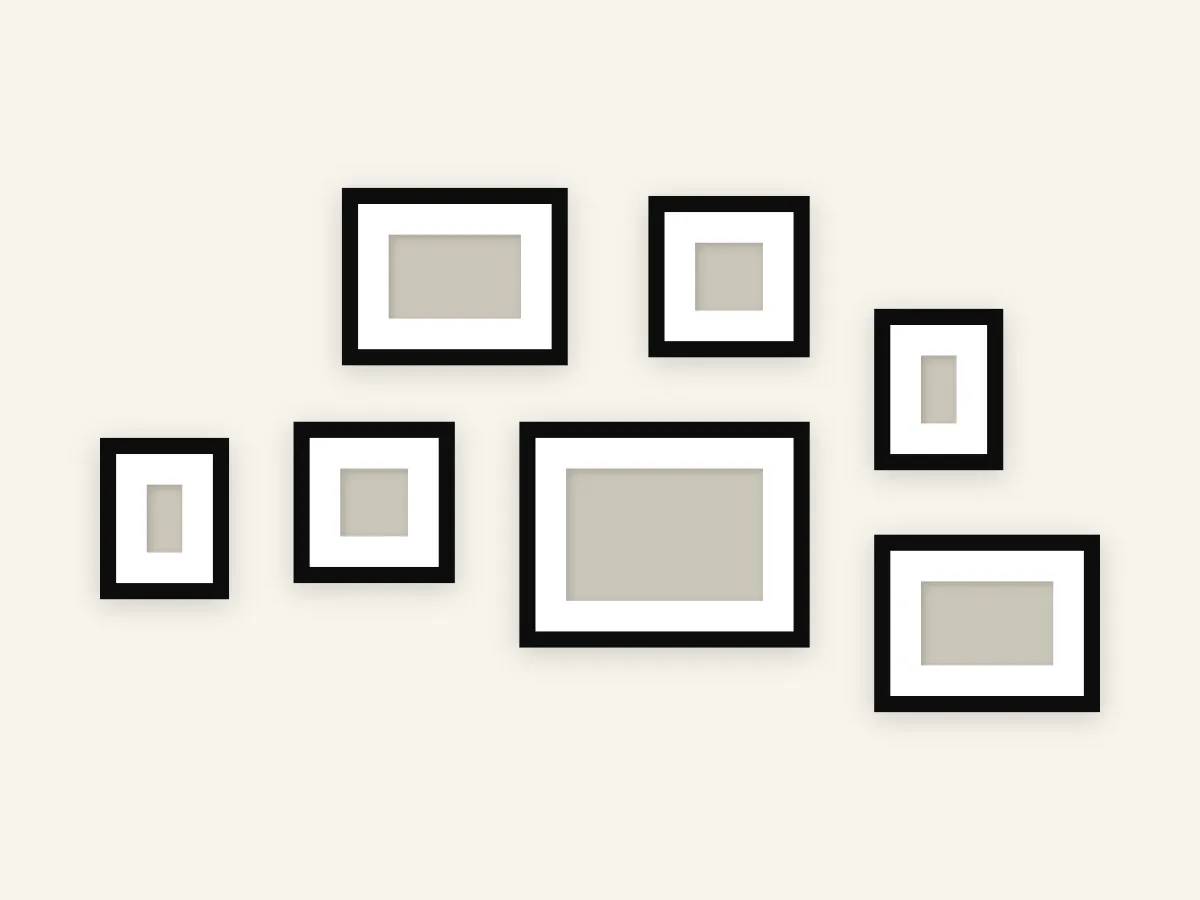
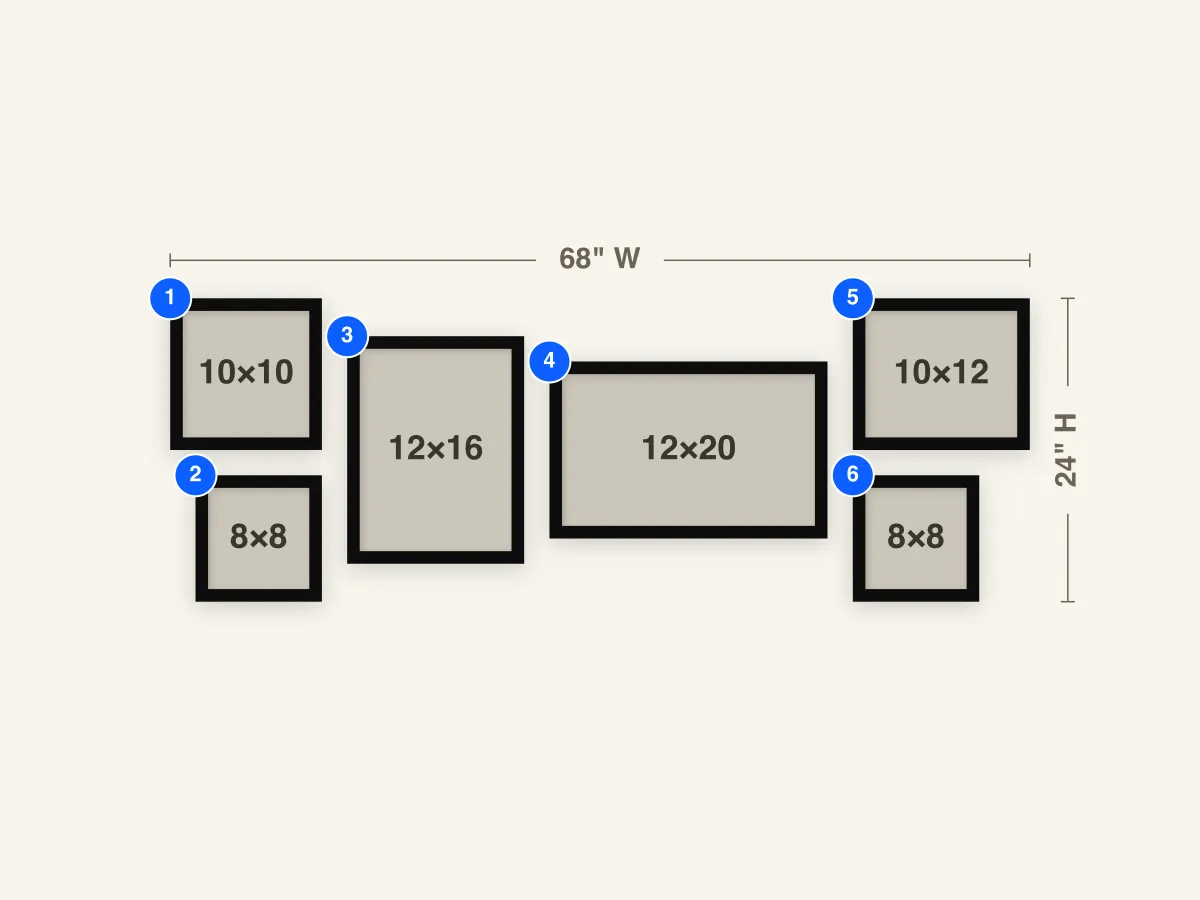
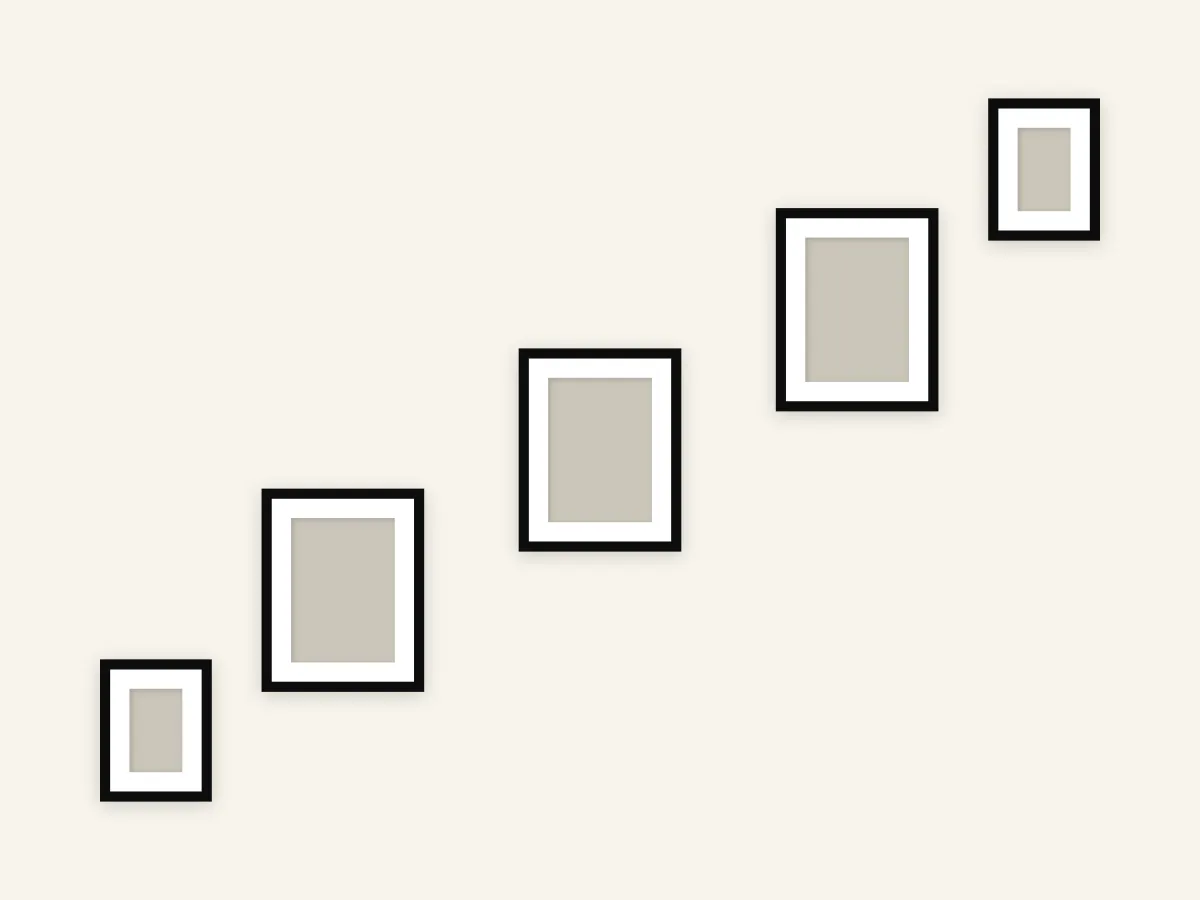
Gallery Wall Around TV
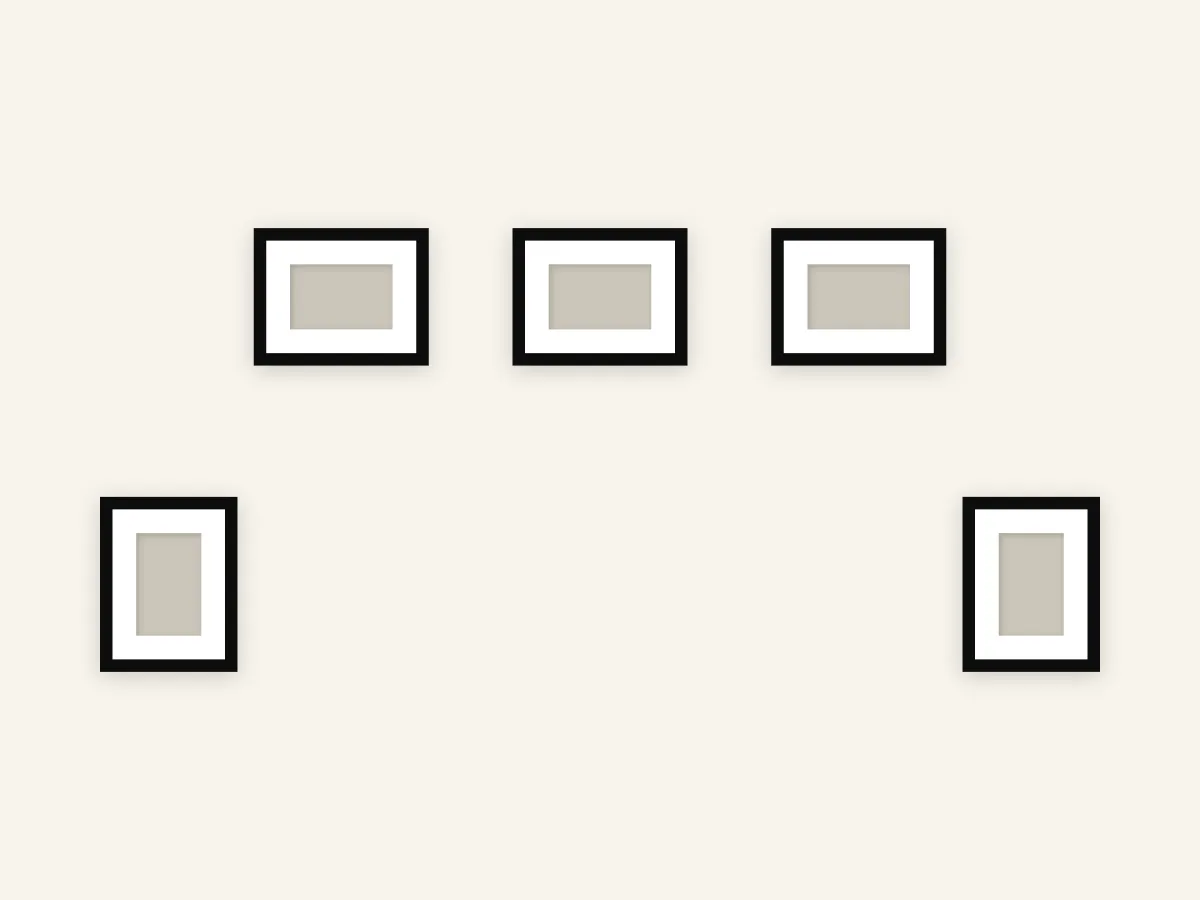
A five-frame layout that surrounds a wall-mounted TV with a row of crown frames above and two flanking portraits on either side. Designed to leave the TV area visually clear while integrating it into the gallery.
Frames to buy
- 5×11×14 frames
Frame breakdown
| # | Size | Role |
|---|---|---|
| 1 | 11×14 Portrait | Left flank — vertical portrait beside the TV |
| 2 | 11×14 Portrait | Right flank — vertical portrait beside the TV |
| 3 | 11×14 Landscape | Crown left — landscape frame above and left |
| 4 | 11×14 Landscape | Crown center — landscape frame above the TV |
| 5 | 11×14 Landscape | Crown right — landscape frame above and right |
How to use this layout
A wall-mounted TV is the thing most gallery walls fail to handle. Either the TV dominates and the art looks like an afterthought, or the art crowds the screen and the room feels cluttered. This layout treats the TV as part of the composition by framing it — three landscape pieces across the top, two portraits flanking the sides, and an intentional empty rectangle in the middle where the screen sits.
The crown row uses three identical 14" × 11" landscape frames spaced evenly above the TV. They visually cap the screen and pull the eye upward, which is what makes the TV feel grounded rather than floating. The two 11" × 14" portraits on the sides are oriented vertically to match a typical TV's aspect ratio inverted — they hug the screen at its widest point and define the outer edge of the composition.
This works for TVs in the 55"–75" range mounted at a standard viewing height. It also adapts to a fireplace surround if you want art over the mantle with sconce-style pieces at the sides. The key is that whatever sits in the central empty rectangle — TV, mirror, or fireplace — should be at least as visually dense as the surrounding frames; otherwise the empty space reads as a hole rather than a focal point.
Install notes
Anchor the install to the TV, not the wall corner. Measure from the TV's top edge upward to set the bottom of the crown row — about 4" of clearance is comfortable for most rooms and keeps the row from looking like a hat. The center frame (#4) aligns horizontally with the TV's centerline; the left and right crown frames (#3 and #5) sit at the same height with even spacing to either side.
For the flanking portraits (#1 and #2), align their vertical centers with the TV's vertical center. They should sit far enough out that they don't crowd the bezel — roughly 6" of breathing room is right for most setups. If your TV is on an articulating arm that swings out, leave even more clearance on the side it swings toward.
The mistake to avoid: hanging the crown row tight against the TV. The gap is what makes the layout work. It tells the eye these are separate elements that share a wall, not one giant noisy cluster. Export a PDF Hanging Guide for exact from-left and from-bottom measurements relative to the wall's bottom-left corner — see the sample Hanging Guide PDF for the format.