
AppLaunch App

Browser-Based Gallery Wall Planner

Plan endlessly. Drill once.

Shuffle frames. Test spacing. Hang your wall with confidence.

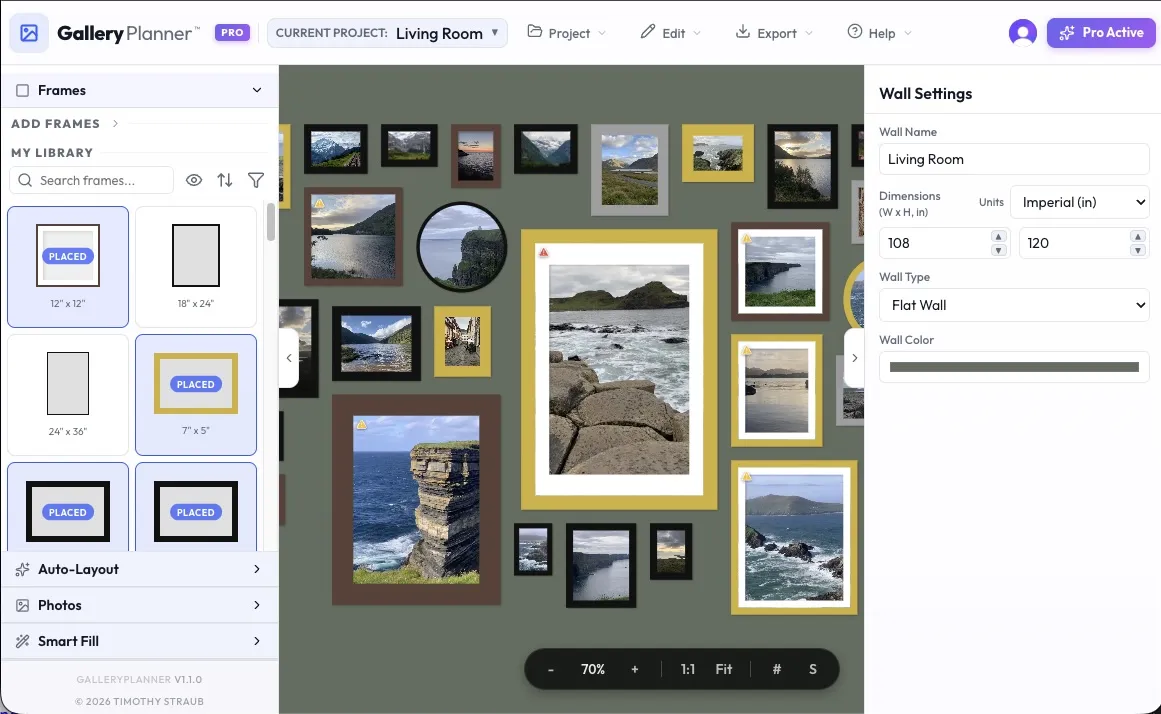
GalleryPlanner Workspace

How it works

Go from pile-of-frames to a drill-ready wall plan in minutes.

Try this in the app now

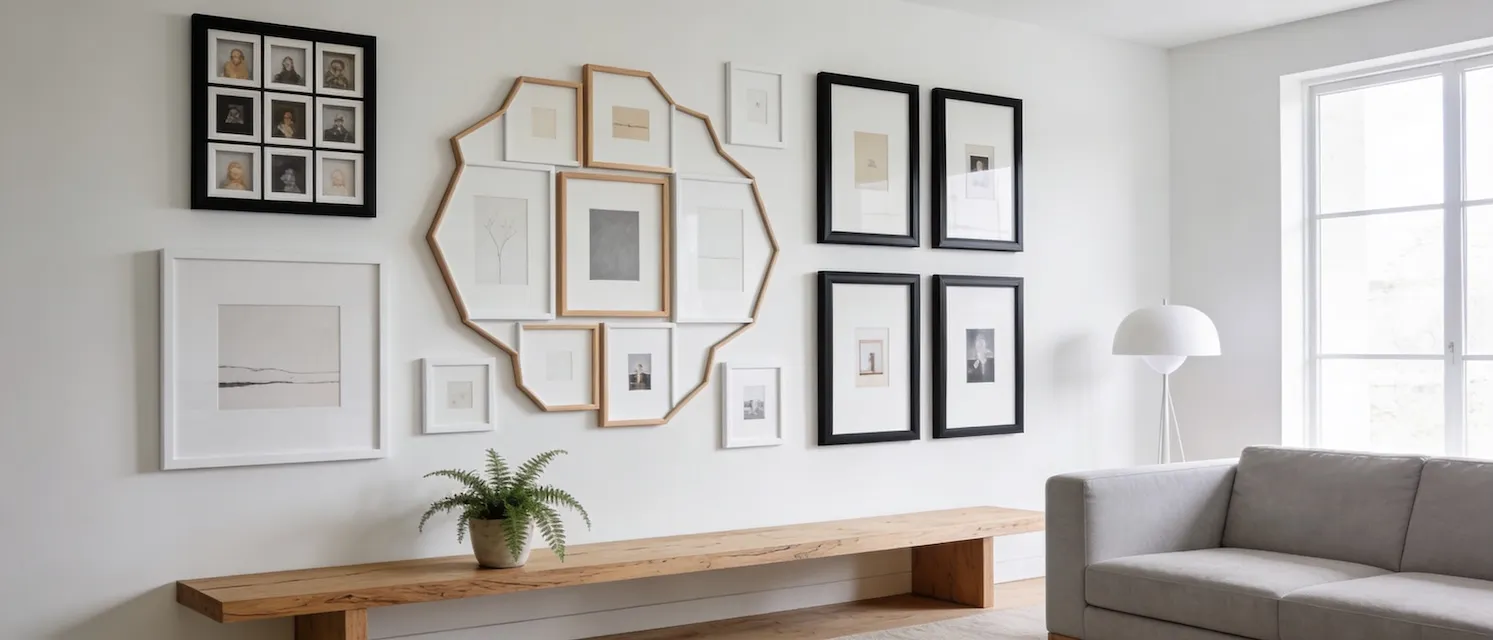
A digital scratchpad for your gallery wall.

Stop taping things to the wall. Plan it out here.

Auto-Layout

Stuck on what goes where? Let the app suggest a layout based on the frames you actually have.

Real Inventory

Plan with the frames you actually own. Mix standard sizes like 8×10 and 5×7, or create custom dimensions for your unique pieces.

Curate Your Collection

Place the photos you have where you want them. Plan not just the frames, but visual harmony of the art inside them.

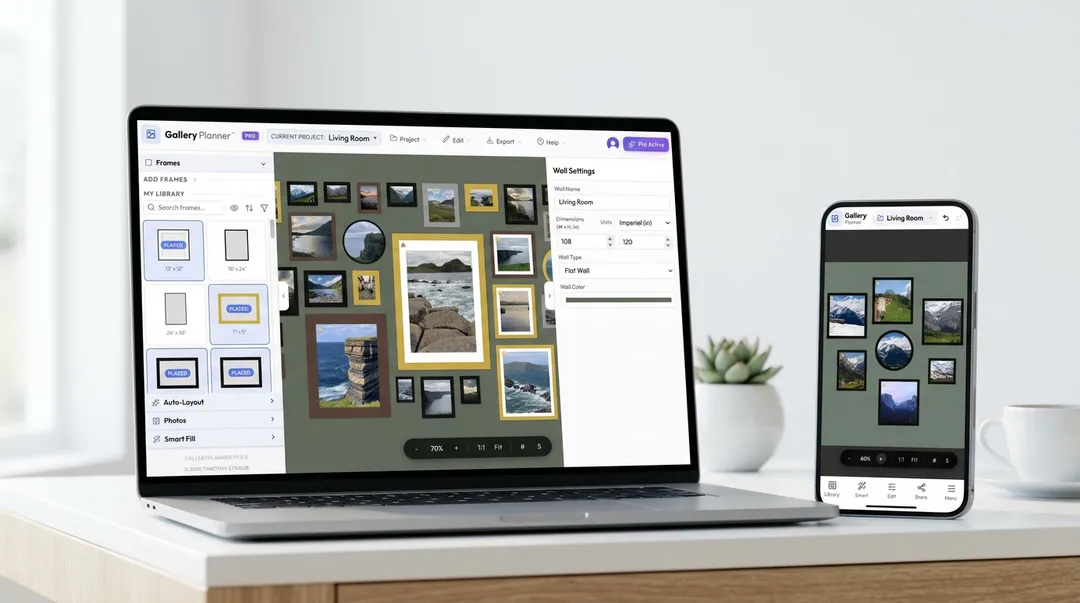
Plan anywhere, anytime.

GalleryPlanner is optimized for your pocket.

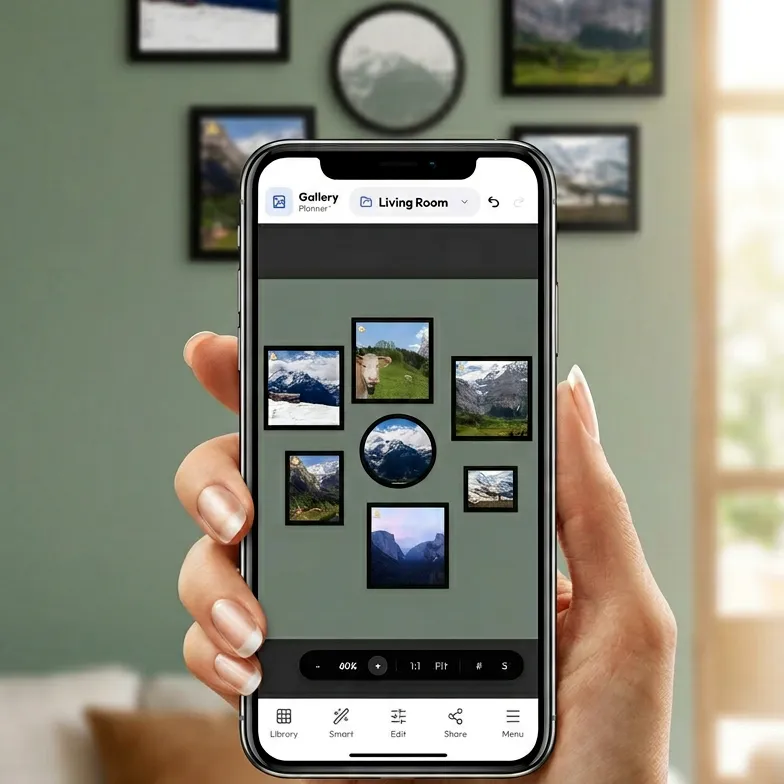
GalleryPlanner Mobile

📱 Touch-Optimized

A native interface designed for your thumbs. Pinch to zoom, tap to select, and drag to arrange, with all desktop features also available on mobile.

🔄 Seamless Handoff

Start on the couch, save your project, and finish refining exact measurements on desktop.

📏 Pocket Reference

Need to check if an 11×14 fits? Pull up your layout instantly at the store.

GalleryPlanner FAQs

Quick answers about planning workflows, privacy, and exports.

What is GalleryPlanner?

GalleryPlanner is a browser-based gallery wall planner, layout tool, and designer app that helps you build layouts with real frame sizes, test spacing, and generate install-ready outputs like hanging guides, shopping lists, and shareable snapshots (some export features require Pro).

Is GalleryPlanner free to use?

Yes. GalleryPlanner is free for core layout planning and design, including Save Project (.gwall) and Load Project (.gwall). Pro unlocks advanced export and project workflows like hanging guide PDF export, shopping list export, cropped photo ZIP export, watermark-free snapshots, Export Bundle, and multi-project editing.

Do my photos get uploaded to your servers?

No. GalleryPlanner is local-first: your photos stay on your device and are processed in your browser, so you can design privately without uploading your image library to our servers.

Can I print measurements for install day?

Yes. You can export a drill-ready hanging guide with placement and spacing measurements to use during installation, so you can mark and hang with confidence. Hanging guide export is a Pro feature.

Choose the Pro plan that fits your project.

Start with a Pro Pass or get Lifetime Pro ($39).
Pass options: 3-day ($5), 7-day ($8), or 30-day ($15).
Pro Pass options: 3-day ($5)7-day ($8)30-day ($15).
Lifetime Pro: $39.

Want the full breakdown? Read What is GalleryPlanner Pro?

PDF Hanging Guide
Multi-Project Editing
4K HD Snapshot
High-Res Cropped Photos
Frame Shopping List
Export Bundle Convenience
Flexible access: Buy now, activate later. Your Pro Pass doesn't start until you're ready.

Purchases are subject to our Terms, Refund Policy, and Privacy Policy.

Stay in the loop.

Occasional updates on GalleryPlanner.

  • 2 emails per month max
  • Feature updates and offers
Start free in app